
See today's cue on your glasses.
Quvex turns each day into one quiet mark — the app's own hero: a soft ring with the day's tint and a little mascot inside. This developer preview sends that mark to Meta Ray-Ban Display glasses, designed so only you can read it — no words on the lens.


A good day to suggest something you'll both enjoy.
What the ring shows
- The ring
- Fills through the month; the dot marks the day.
- The colour
- A quiet tint that shifts as the month turns.
- The mascot
- Your Quvex companion, setting the tone.
- Nothing sent
- The ring rests until a fresh cue arrives.
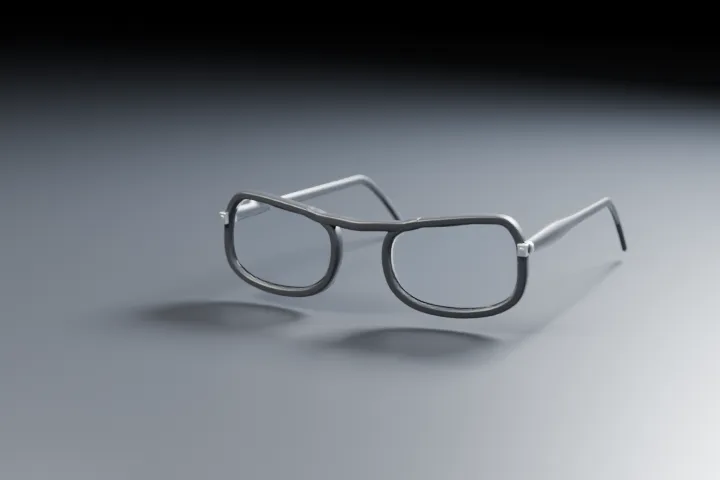
A simulation of the on-glass view — not a photo of real glasses. Meta and Ray-Ban are trademarks of their owners; Quvex is not affiliated.
This is a developer preview. We have not yet confirmed it on hardware in every region.
A quiet daily cue, only you can see.
Once a day, Quvex can send your glasses one quiet mark — a soft ring with the day's tint and a little mascot inside — or nothing at all. It's designed so only the wearer can glance at it: no words, nothing a bystander is meant to read. The thinking stays on your phone; the glasses are only a place to show the mark.
Five steps to your glasses.
What you'll need (developer preview)
Meta Ray-Ban Display glasses, the latest Meta AI app and glasses firmware, and Developer Mode enabled on your Meta account. We'll list the exact versions here once we've confirmed them on hardware.
Install Quvex
Get Quvex on Android and open it on your phone.
Turn the cue on
In Quvex, open Settings ▸ Glasses and switch the glasses cue on.
Send today's cue
From the Home menu, choose “Send today's cue”.
The Meta AI app takes it
The Meta AI app opens and registers the cue for your glasses.
Glance at it on your glasses
Quvex appears in your glasses' app grid. Open it there to glance at today's mark.
What it will, and won't, do.
- Off until you turn it on. The cue is opt-in, and it's hidden entirely when Quvex is in disguise mode.
- One quiet mark, or nothing. A soft ring with the day's tint and the mascot — never words, never a name, designed so a passer-by can't read it.
- It clears on its own. Each cue fades after about a day and a half, and the lens shows nothing until you send a fresh one.
- Nothing about her leaves your phone. The Meta AI app holds the mark on your phone; it never reaches us or any server we run.
- No sensing on the glasses. Our page uses no camera, no microphone, no face data, no location, and no motion sensors — and it stores nothing.
What Meta's app sees.
When you send today's cue, the Meta AI app on your phone keeps a copy of that one mark — nothing more. It never reaches us and never touches any server we run. On the glasses, our page only reads that mark and shows it. For the full detail, see our privacy policy, section 3.
Meta Ray-Ban Display and Meta AI are named here only to describe what the preview needs. Meta and Ray-Ban are trademarks of their owners; Quvex is not affiliated with, endorsed by, or partnered with them.